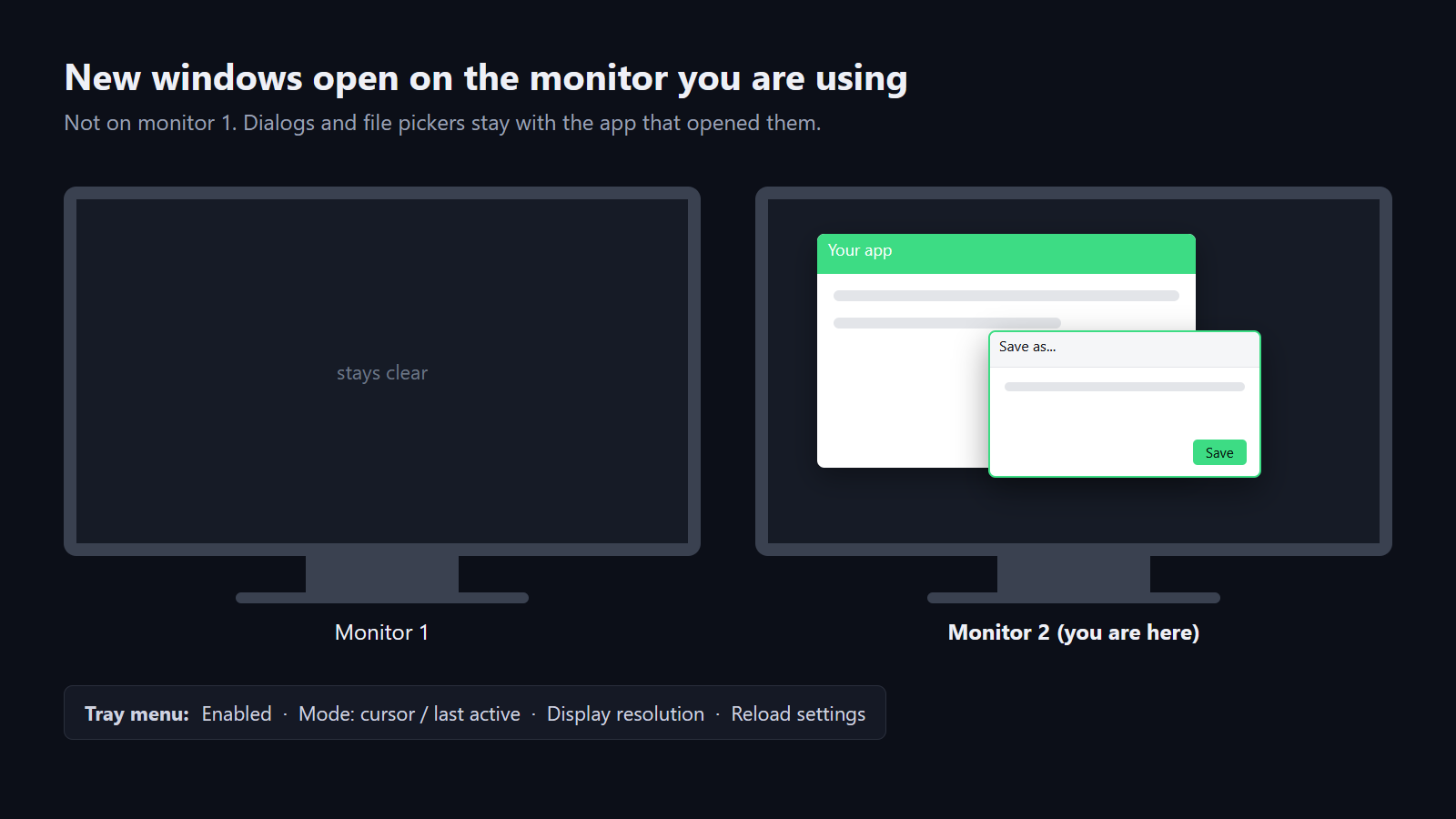
On a multi-monitor PC, Windows likes to throw new windows, dialogs and file pickers onto your main screen. MonitorControl fixes that: every window an app opens stays on the monitor where you are working.
It also lets you switch the size / resolution of each display straight from the tray icon, which is handy for DSR "shrink" setups, and can gently lift dark shades on your main monitor.
It is a tiny tray app (under 100 KB) with no installer, no account and no internet connection needed.
Features
Windows stay where you work
New windows open on the monitor you launched them from, not monitor 1.
Dialogs follow their app
Message boxes and file pickers open centred over the window that asked for them.
Resolution from the tray
Switch display size / resolution per monitor in two clicks.
Simple settings file
Choose cursor or last-active mode and exclude apps you never want moved.
Requirements
| Windows | 10 or 11 (64-bit) |
|---|---|
| Framework | .NET Framework 4.8 (already in Windows) |
| Monitors | Two or more recommended |
Questions
Does it need admin rights?
No. Unzip and run MonitorControl.exe.
How do I start it with Windows?
Put a shortcut to it in the Startup folder (Win+R, then shell:startup).
What's new in v1.0.0
First release